Last updated on : December 15th, 2025 by R Yadav
In contemporary content production, the consistent visual style is crucial. Professionalism and clarity are implemented through consistent colors, framing, and motion that are evident in videos. When the images are similar in every scene, viewers can easily identify patterns and branding. Modern AI tools offers the ability to standardize visual tone in a project. With its AI-driven scene guides, creators are able to match creative vision and organized execution. In this article, the author examines how visual consistency, streamlining the workflow, and using AI-assisted storytelling can be achieved.
The branding and interaction with the audience are heavily dependent on visual consistency. Videos are disjointed or amateurish when colors, layouts, and transitions are too different. Regular images promote memory, create credibility, and enhance recall. Other issues such as inappropriate match of light, clumsy pace or conflicting designs are some of the challenges many creators may encounter. These inconsistencies decrease the retention of the audience and influence content performance on YouTube, Tik Tok, or Instagram. Making all scenes similar contribute to delivering the message in a coherent way and creating a familiar style.
Weak brand identity, disjointed visuals, and extra editing are some of the effects of inconsistent visuals on narrative flow. Minor discrepancies in coloring or framing can be easily observed by the audience, thus distracting them. A visual standard style can reduce these problems and enhance the production efficiency. To the creators who handle several videos or campaigns, it is essential to have the same consistency in formats and platforms to ensure the professional presentation.
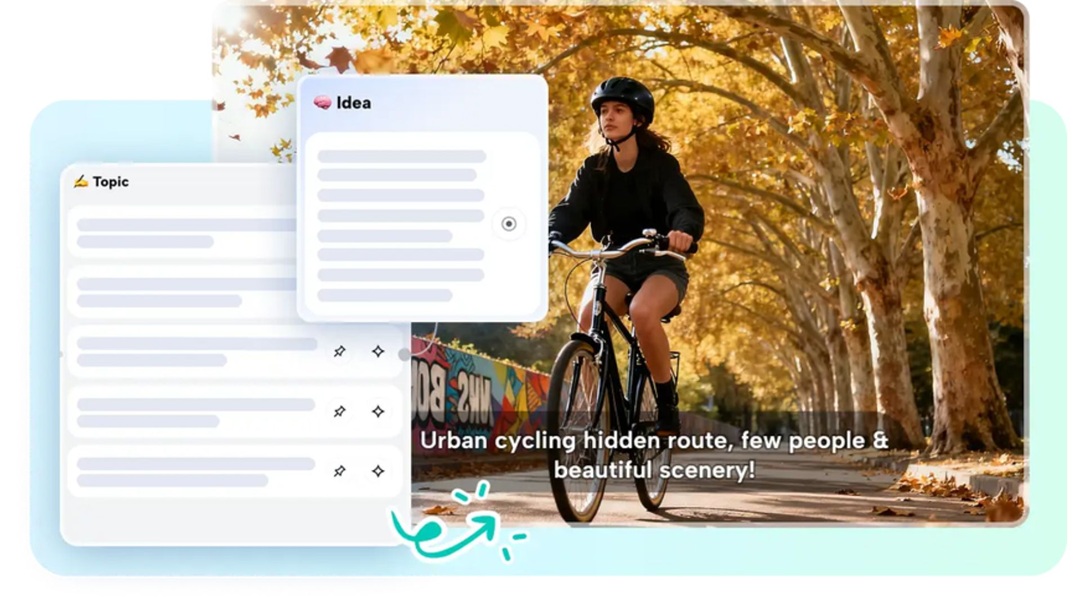
Modern AI tools provides AI-based scene guides to add order to creative projects. The platform also provides a clear roadmap to video production since it analyzes scripts and automatically generates scene markers. These manuals indicate the type of shots, transition, and angles, and make sure that each scene is consistent with the overall theme. Through mapping of the visual sequence, creators are able to ensure consistency, as they consider exploring creative storytelling techniques.
The AI writer feature converts script ideas into detailed storyboard outlines. It divides stories into actionable scenes, providing indications of visual direction and timing. This automation saves on manual planning and assists creators to concentrate on honing their artistic vision. Working with AI-generated recommendations simplifies the pre-production stage, as it gives a clear understanding of how a particular scene should be composed and how it should flow. Filmmakers are assured of making refined videos without guessing and re-editing every time.

Scene guides can also be used to preserve thematic unity by implying unifying visual patterns. Lighting, color scheme, and camera movement can be standardized on all shots. Such planning will make sure that even complicated stories have a professional, formal appearance.
The AI used by Modern AI tools aids in keeping the lighting and color of a video project the same. Automatized suggestions make sure that palettes are complementary and pleasing to the eye. This saves time and effort by eliminating the necessity of post-editing color correction. Scene guides also reinforced consistent motion patterns, framing and composition, following camera angles, zooms and transitions.
The AI storyboard function is particularly valuable for balancing visual elements. It gives accurate instructions on how to place the shots, and ensures continuity between scenes. Adhering to AI suggestions, creators will be able to match visual rhythm with the narrative. Automated suggestions further minimize the chances of off-course graphics, motion jitter, or disproportional pacing. The outcome is an unified, professionally crafted video even with a complex project.

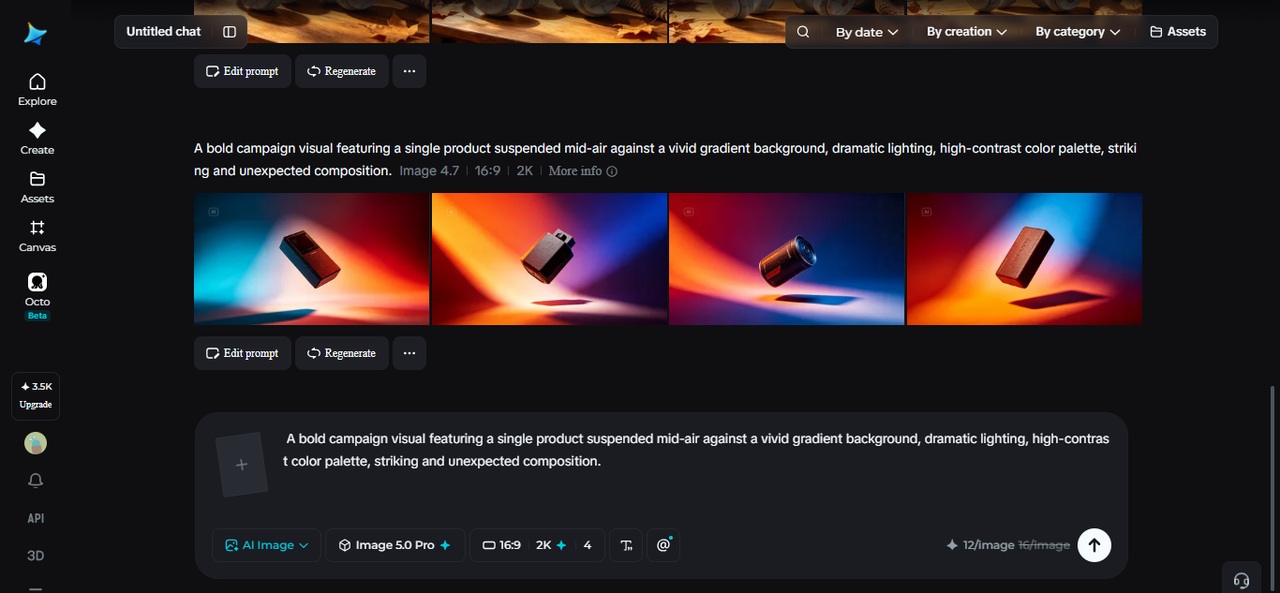
Step 1: Activate AI Visual Scene Setup You access the online editor and head to the main dashboard. From there, you click "Free AI video maker" to activate AI design tools. Next, you choose "Instant AI video" to start building a storyboard that keeps every scene visually consistent.

Step 2: Define Style Through Script Control You select the desired visual style before adding content. You place your idea inside the "Enter script" box or use "Generate script" to turn your concept into a clear storyboard outline. You choose an aspect ratio like 16:9 or 9:16 to ensure visual balance. You set storyboard length and narration tone. Then you click "Create" to generate a complete storyboard with structured scenes and visual cues.

Step 3: Maintain Uniform Look Across Scenes You press "Create" to load the full scene layout with structured visuals. You open the "Music" panel to add a matching background track. Then you open "Elements" to apply visual templates that keep fonts, colors, and placement consistent across scenes.

Step 4: Finalize and Export Visual Identity After reviewing scene consistency, you select "Export" to choose resolution, format, and frame rate. You click "Export" again and save the finished video with a unified visual style.

Sound is very important in ensuring continuity in a video. Sound choice helps in mood, pacing, and energy, and is used in tandem with visual cues. Modern AI tools provides a collection of music and sound effects, which are matched to scenes suggestions. The selection of the songs that resonate with motion and beats enhances the emotional connection of the viewer. Background music, transitions, and effects may be aligned with the visual flow, supporting branding and making the scenes look connected to each other. Equalization of audio intensity to visual appearance can avoid shocking discrepancies and increase the effect of narration.
Videos should be frequently adjusted to the vertical or horizontal or square format. The AI scene in Modern AI tools can help to reframe content without compromising style. Visuals can be edited to ensure the composition and clarity on platforms like Tik Tok, You Tube, or Instagram Reels. The AI recommendations are used to avoid losing important details during switching of aspect ratios. Maintaining colors, movement, and framing across media formats helps creators to make every version consistent and professional. Careful adaptation of scenes does not create a variation in style and keeps the audience recognition no matter the device or platform.
The ideas generated by AI are a good starting point, and creators can adjust it to personal vision. Effects, overlays and graphic effects can be adjusted without interfering with general visual integrity. Modern AI tools is flexible and offers AI guidance as well as manual adjustments to maintain consistency. Storytelling can be improved by editing captions, moving things around, or making minor adjustments to transitions. The best practices include adhering to the AI scene structures and incorporating individual creative elements. This method is a trade-off between automation and creativity, which leads to professionally finished cohesive videos that show personal style.
Scene guides in Modern AI tools enhance visual consistency, which provides clarity and organization to create a professional video. The AI support makes sure that all scenes are configured to the desired look through standardization of color, motion, and framing. The overall quality is enhanced through the incorporation of sound, format adjustments, and the optimization of AI-generated cues. Modern AI toolsstreamlines the script to final export and saves time and creativity. Embracing AI-led processes enables creators to create visually coherent, entertaining and platform-ready videos in an efficient manner. The adoption of these tools is a great benefit in creating professional and cohesive images in all content.
Read Next: How Python Development Services Empower Businesses With Their Tools And Frameworks