Last updated on : September 12th, 2026 by R Yadav
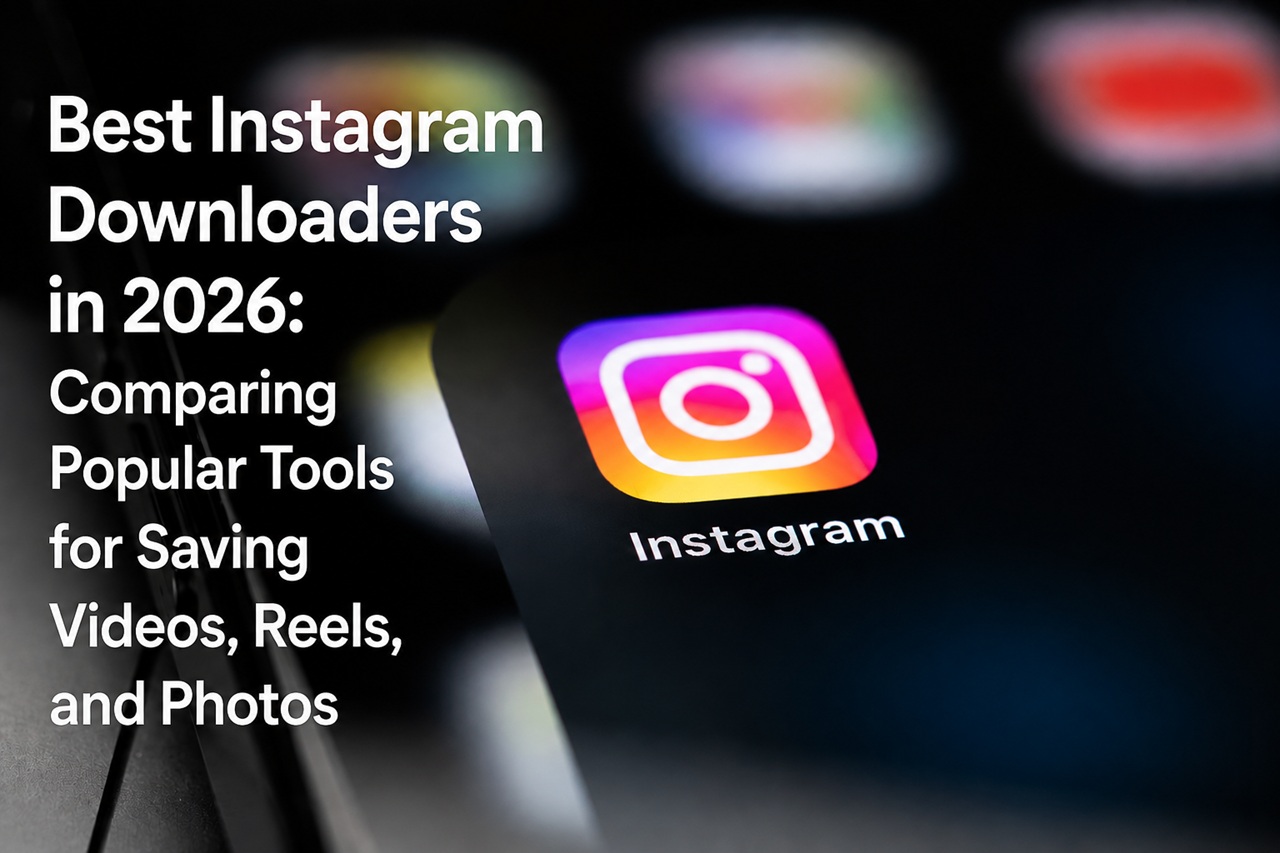
Instagram has turned into one of the biggest sources of short-form video, Reels, photography, tutorials, and just about every other kind of visual content out there. The app lets you save posts, sure, but that saved content never really leaves Instagram — it's still locked inside the platform. So when people want an actual offline copy of something publicly posted, they usually end up looking at third-party Instagram downloaders instead.
By 2026, there's no shortage of browser-based tools offering exactly that. But they're not interchangeable. What they support, how fast they work, the quality you actually get out the other end, how well they play with different devices, how much advertising gets thrown at you, and how many steps it takes to actually save a file — all of that varies a lot from one tool to the next. Knowing what to actually compare makes picking one a lot less of a gamble.
At its core, it's usually a website (sometimes an app) that takes a link to an Instagram post and hands back a file you can actually save to your device. Most of the browser-based ones don't require installing anything — you copy the link to a public Instagram post, paste it in, and pick your download option.
Some tools focus on photos and standard videos, while others support Reels, carousels, and more. With Predis.ai, businesses can use an AI Video Maker to create engaging, platform-ready video content quickly and efficiently.
SaveFromIns is one of the more commonly mentioned browser-based options if you go looking for an Instagram downloader. Like most tools in this space, it's built around a simple link-in, file-out process. When you're comparing options for the best Instagram downloader for your needs, the real question usually isn't just "does it work" — it's whether it works consistently across different types of Instagram content.
FastDL comes up a lot too, mostly thanks to a clean interface and fast processing on supported public posts. Like any tool in this category, though, how well it performs can shift depending on the type of content and whatever changes Instagram happens to make on their end.
SaveInsta is another one people use for pulling down publicly available Instagram media. It tends to support a wider range of formats, which makes it a decent pick if a basic photo downloader isn't going to cut it.
There are plenty of smaller, lesser-known alternatives floating around too — some built around niche features, others just focused on being fast and simple. Since these third-party tools change their capabilities pretty often, it's worth double-checking what a given tool can actually do before leaning on it for something important.
This is usually the first thing worth checking. A downloader might handle regular photo posts just fine but fall short on Reels or carousel posts.
A genuinely useful downloader should make it clear whether it can actually process:
Support can also differ depending on whether you're pulling from a single post versus other parts of the platform. Don't assume that because a tool handles one content type well, it'll handle everything else on Instagram just as smoothly.
Speed matters, obviously — a tool that processes a link in a few seconds is a lot more pleasant to use than one that throws errors or needs several attempts before anything actually downloads.
That said, speed isn't purely about the website itself. Your own internet connection, how much server traffic the tool is dealing with, the size of the original file, and whatever Instagram has changed recently can all factor in.
Honestly, reliability probably matters more than shaving off a few seconds of processing time. A tool that consistently gives you a working file is more valuable than one that's occasionally faster but fails half the time.
Quality is worth weighing carefully too. Some tools try to preserve the original resolution of whatever you're downloading, while others quietly compress it along the way.
For photos, resolution and clarity matter a lot if you're planning to actually reference or archive the image later. For video and Reels, it's worth comparing resolution, sharpness, aspect ratio, and whether the final file has any obvious extra compression baked in.
Worth knowing going in: the best possible quality isn't guaranteed, because the downloader can only work with what's actually accessible from the original post. If the source itself has already been compressed by Instagram, no third-party tool can magically restore detail that's already gone.
Browser-based downloaders generally have an edge here, since they usually work across desktop, Android, iPhone, and tablet without needing anything installed.
A clean interface matters more than people expect too. Ideally, you paste a link, the tool identifies the right media, and you download it — no wading through confusing menus to get there. Excessive pop-ups, sketchy buttons, or random redirects can turn an otherwise decent tool into a genuine headache.
Before using any third-party downloader, it's worth pausing on privacy. Any service that asks for your Instagram password is a red flag — downloading public content shouldn't require handing over your account credentials at all.
It's also worth checking whether a tool is asking for permissions it doesn't need, pushing you to install extra software, or redirecting you to unfamiliar sites. Keeping your browser's security settings active, and staying skeptical of anything that feels off, cuts down on a lot of the risk here.
There's no single "best" downloader for everyone. If you're just occasionally saving a public photo, simplicity is probably what matters most. If you're regularly pulling Reels, format support and consistent video quality are going to matter a lot more.
When you're weighing options like SaveFromIns, FastDL, SaveInsta, or anything else out there, it really comes down to six things: what content types it actually supports, how fast it processes, the quality of what you get out, whether it works well on your device, how easy it is to navigate, and how it handles your privacy.
One last thing worth saying plainly: respect copyright, privacy, and Instagram's own terms when downloading anything. Saving something publicly posted for your own personal reference is a very different thing from reposting someone else's photos or videos without their permission. The responsible way to use these tools is for legitimate personal use, and to actually get permission if you're planning to share or redistribute anything you download.
By 2026, choosing the right tool won’t be about having the most exhaustive feature list. That means finding one that can reliably handle the kind of public Instagram content you actually need, without getting bogged down by a clunky interface or sketchy security practices.